Your Notes. Private. Offline. Encrypted.
Take notes, scan documents, and manage tasks entirely offline. AI transcription, OCR, and encryption—all running on your phone, never touching the internet.
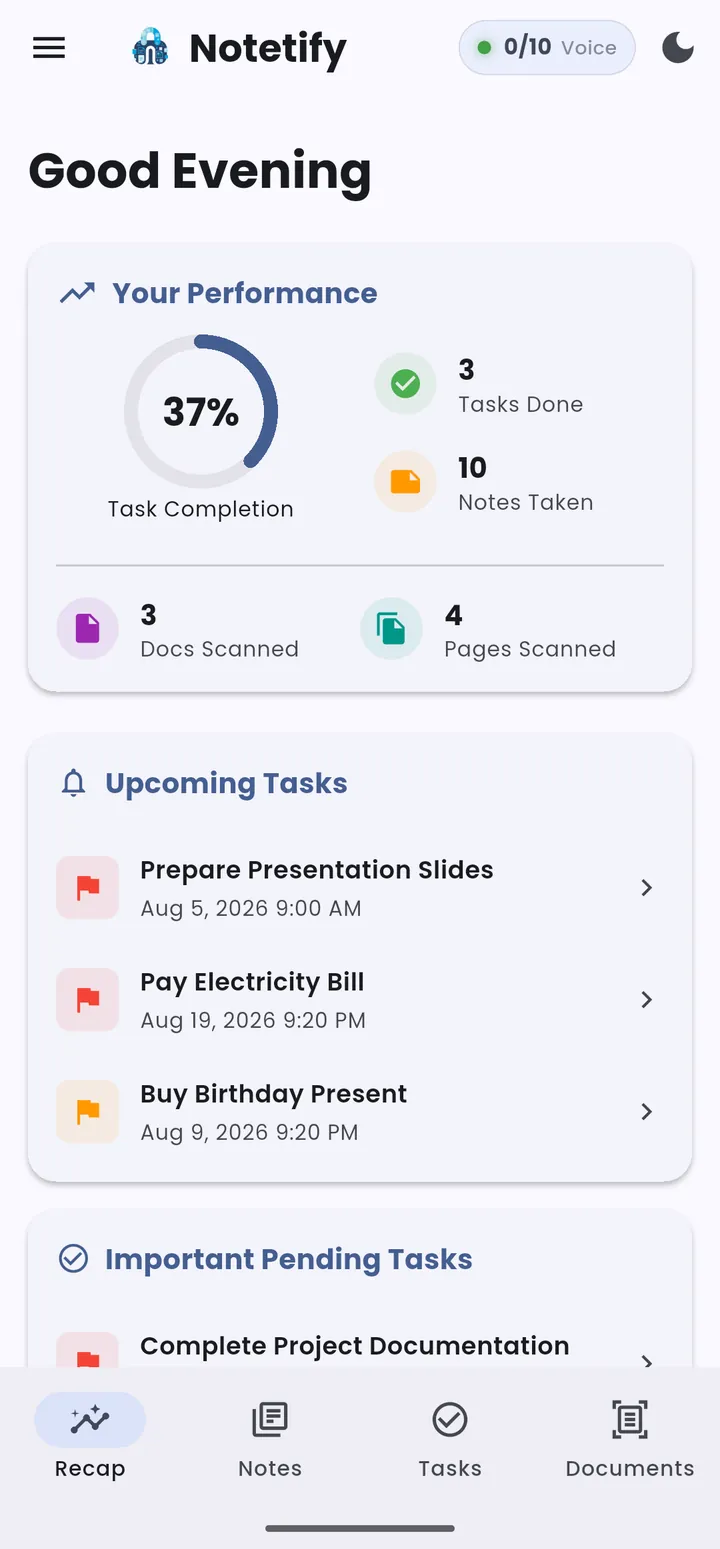
Rich Text. Voice Input. Total Control.
Capture ideas with a full-featured Quill editor—organize by category, pin what matters, and let timestamps track your flow. Speak instead of type with on-device Whisper transcription that never touches the cloud.
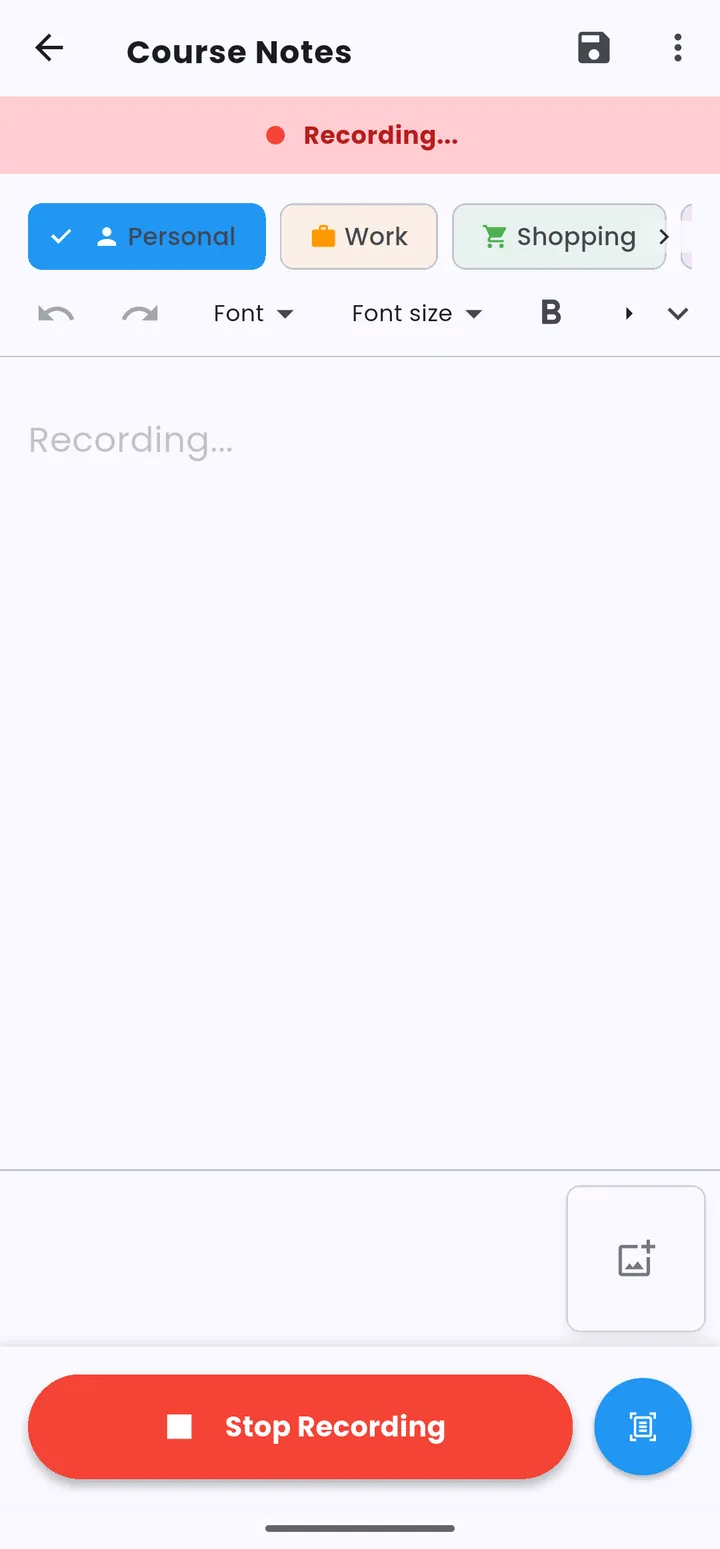
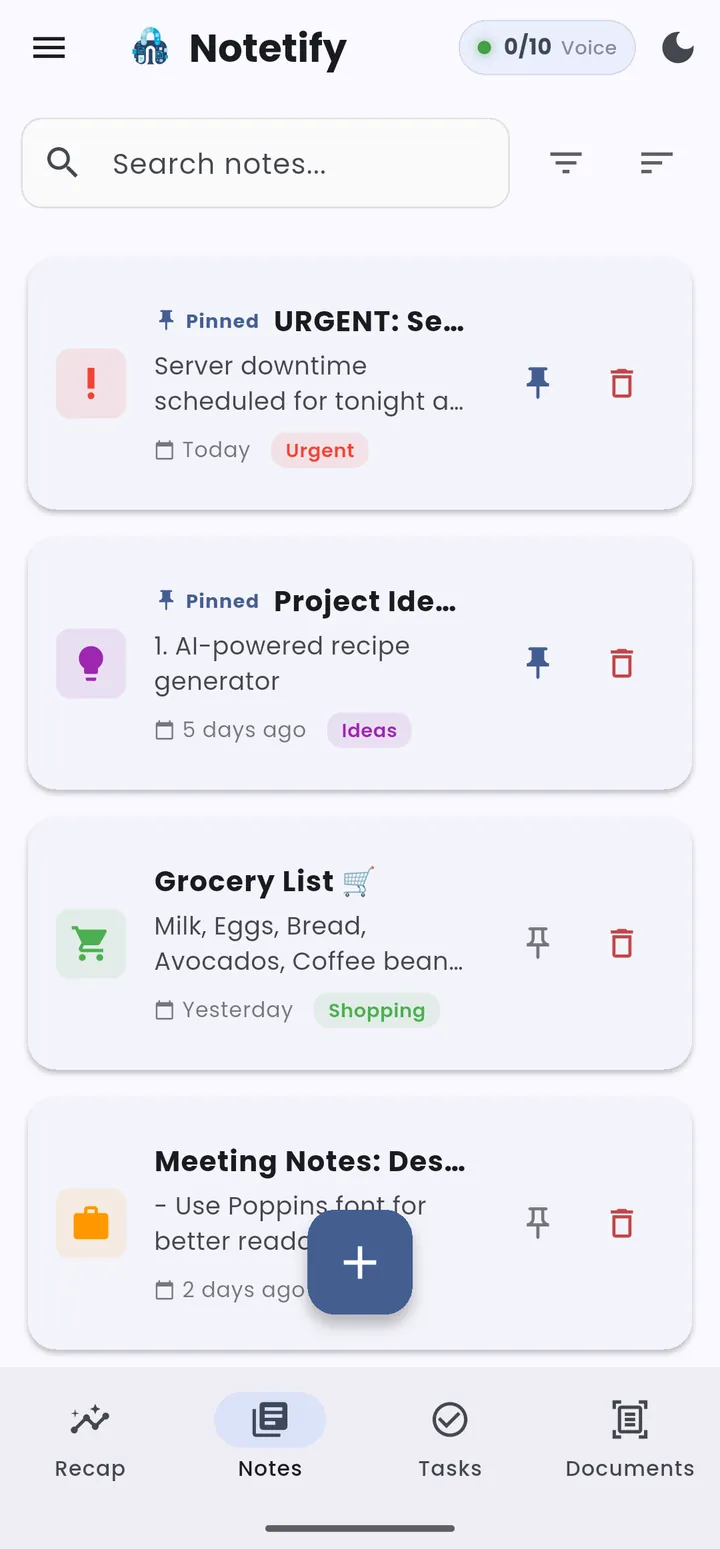
Scan. Extract. Encrypt.
Digitize any document with crystal-clear capture. On-device OCR makes every word searchable, multi-page support lets you reorder freely, and AES-256-GCM encryption locks each page behind your biometric key.
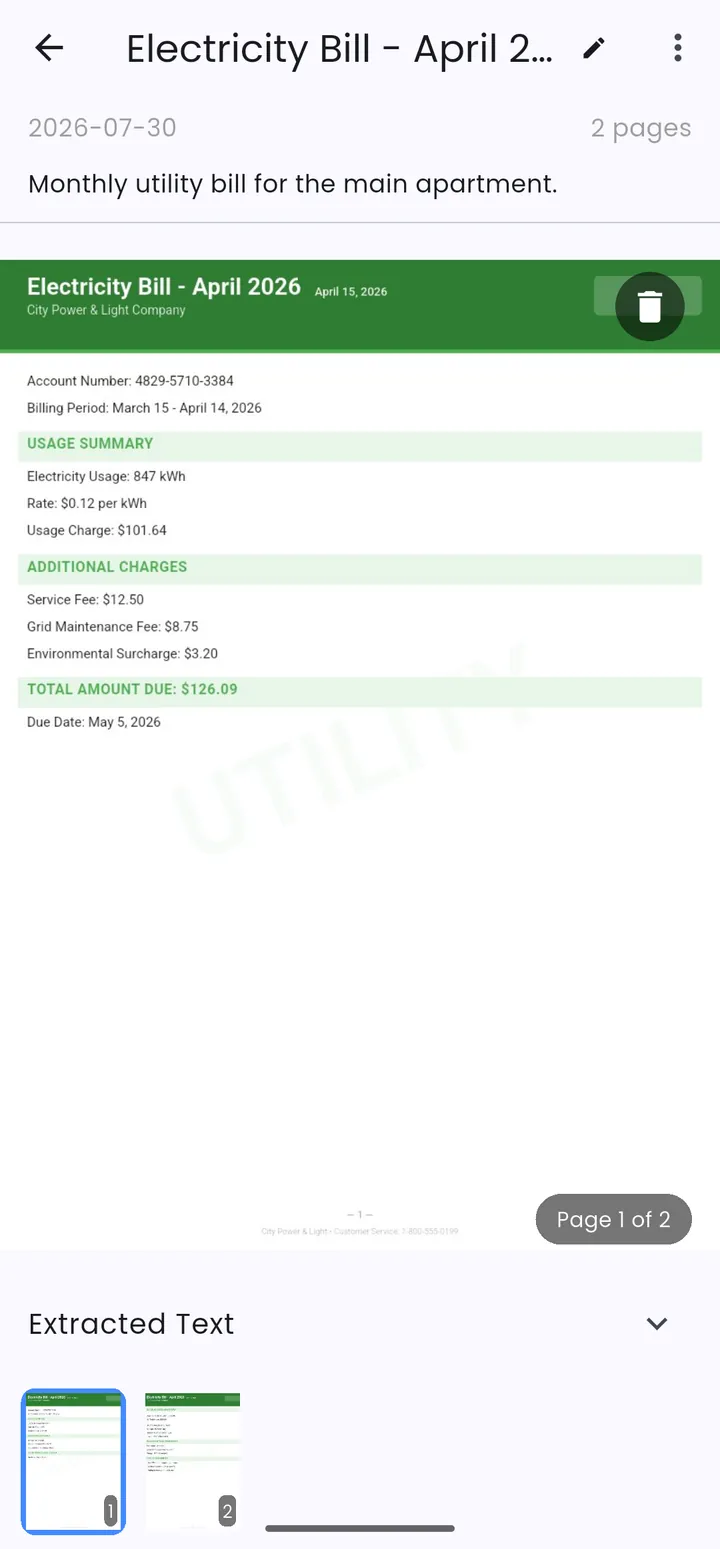
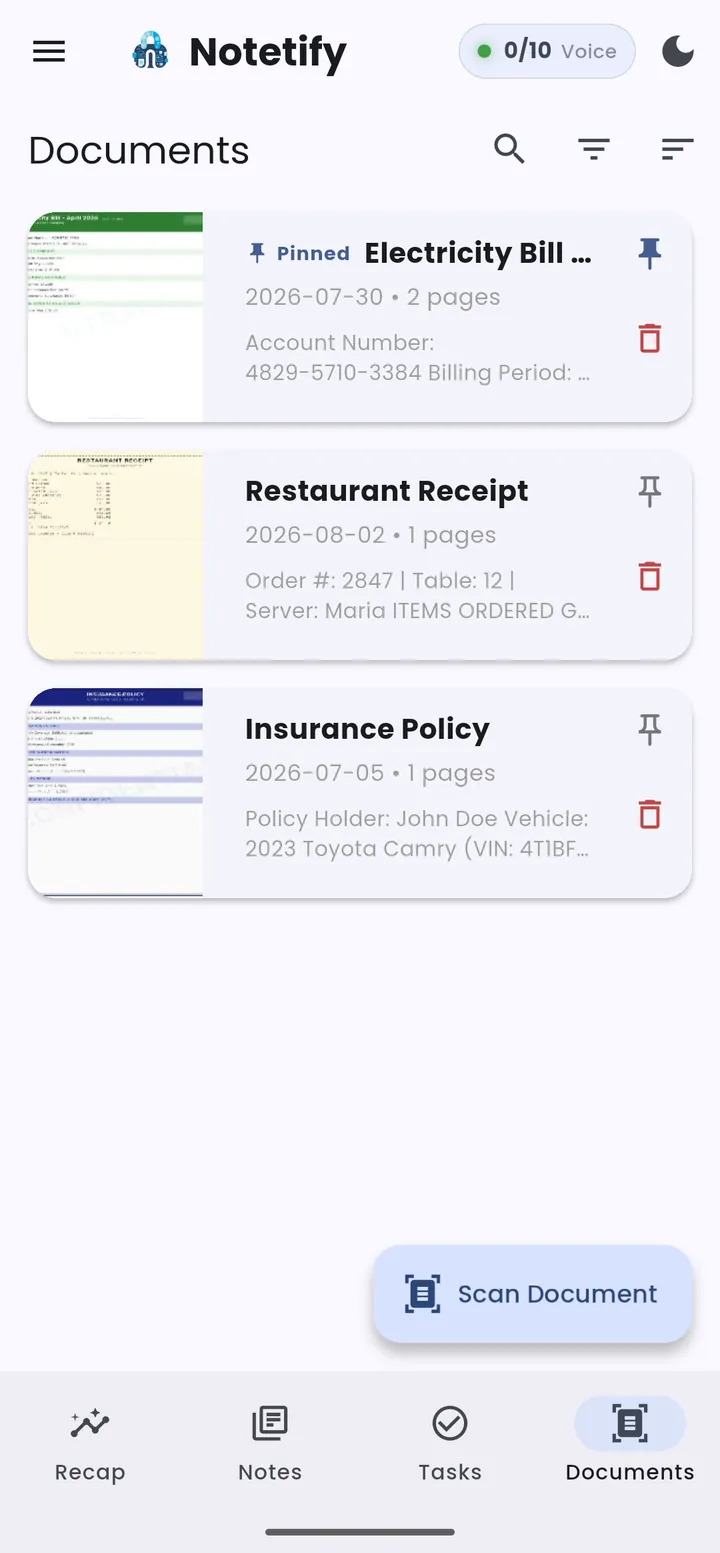
Export Scanned Documents.
Export scanned documents as PDF, ZIP, or individual images. Share directly via email or messages, or print—every byte stays under your control.
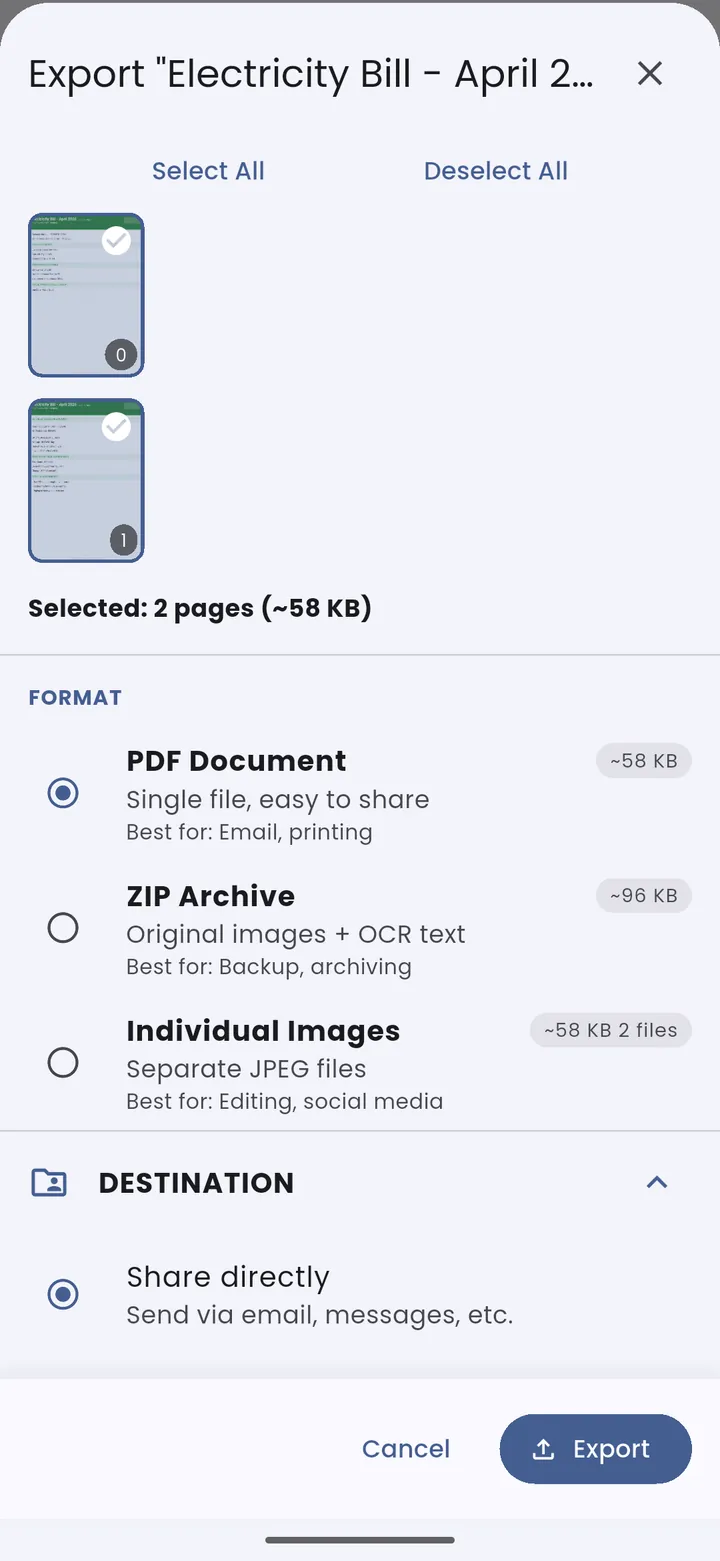
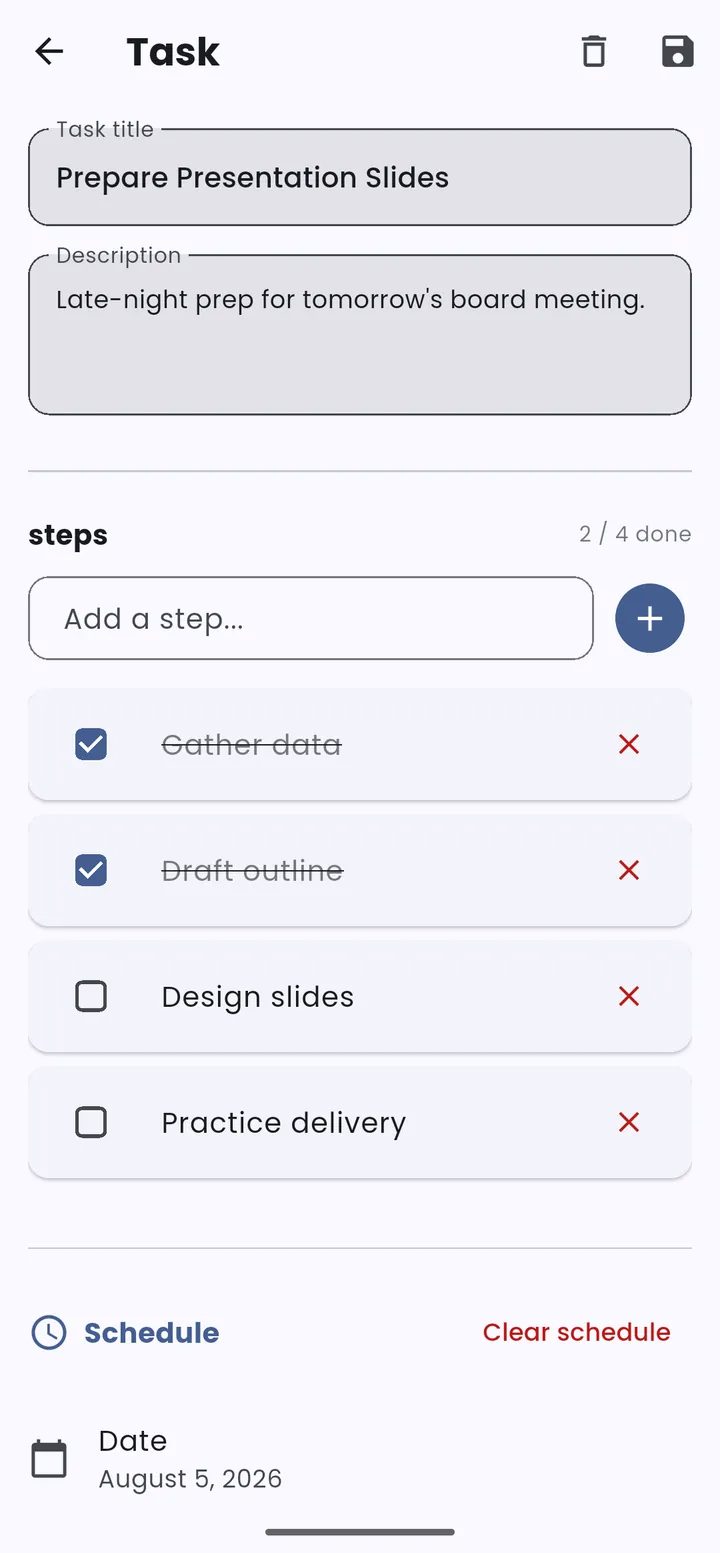
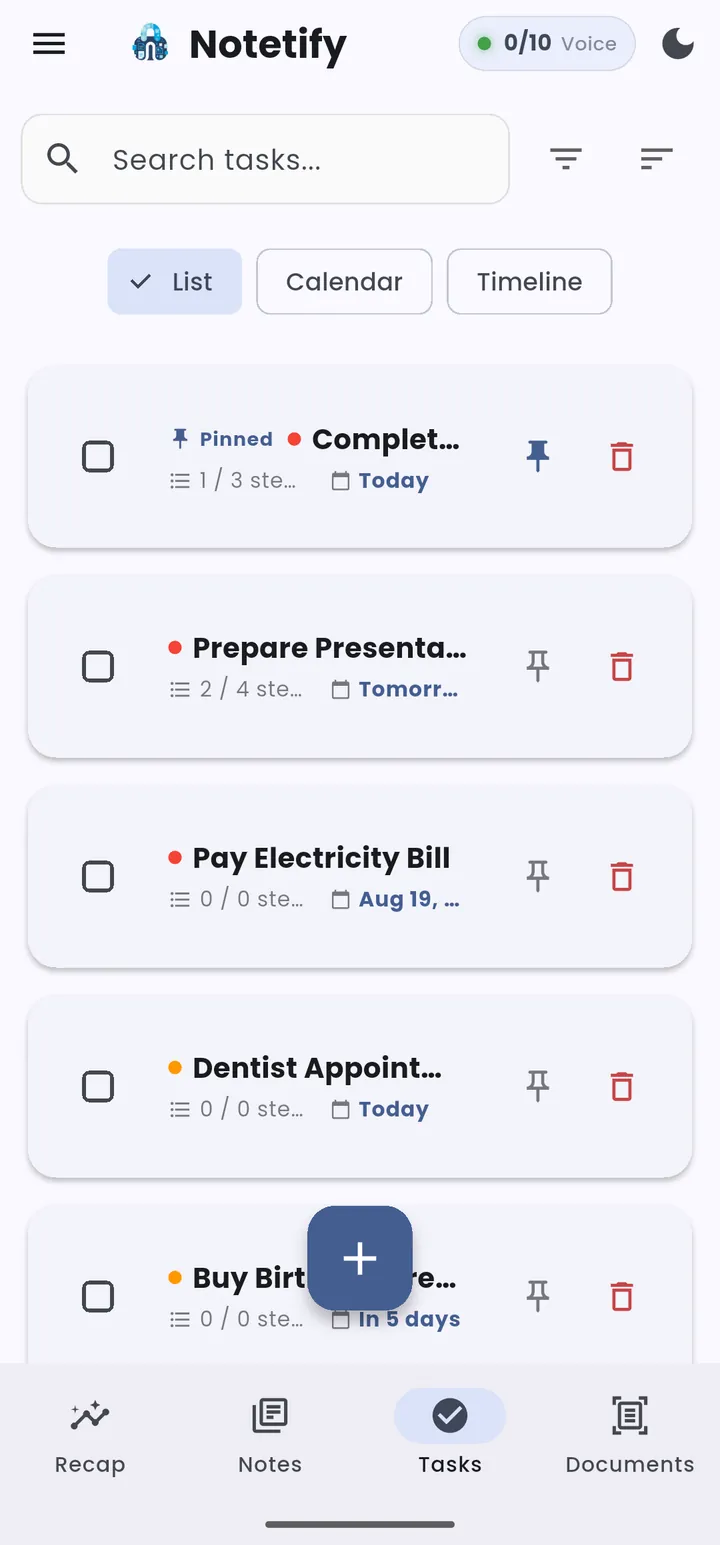
Master Your Day, Secure Your Focus.
From tiered priorities and granular subtask tracking to timezone-aware reminders and a built-in calendar, Notetify keeps you ahead without compromising your privacy.
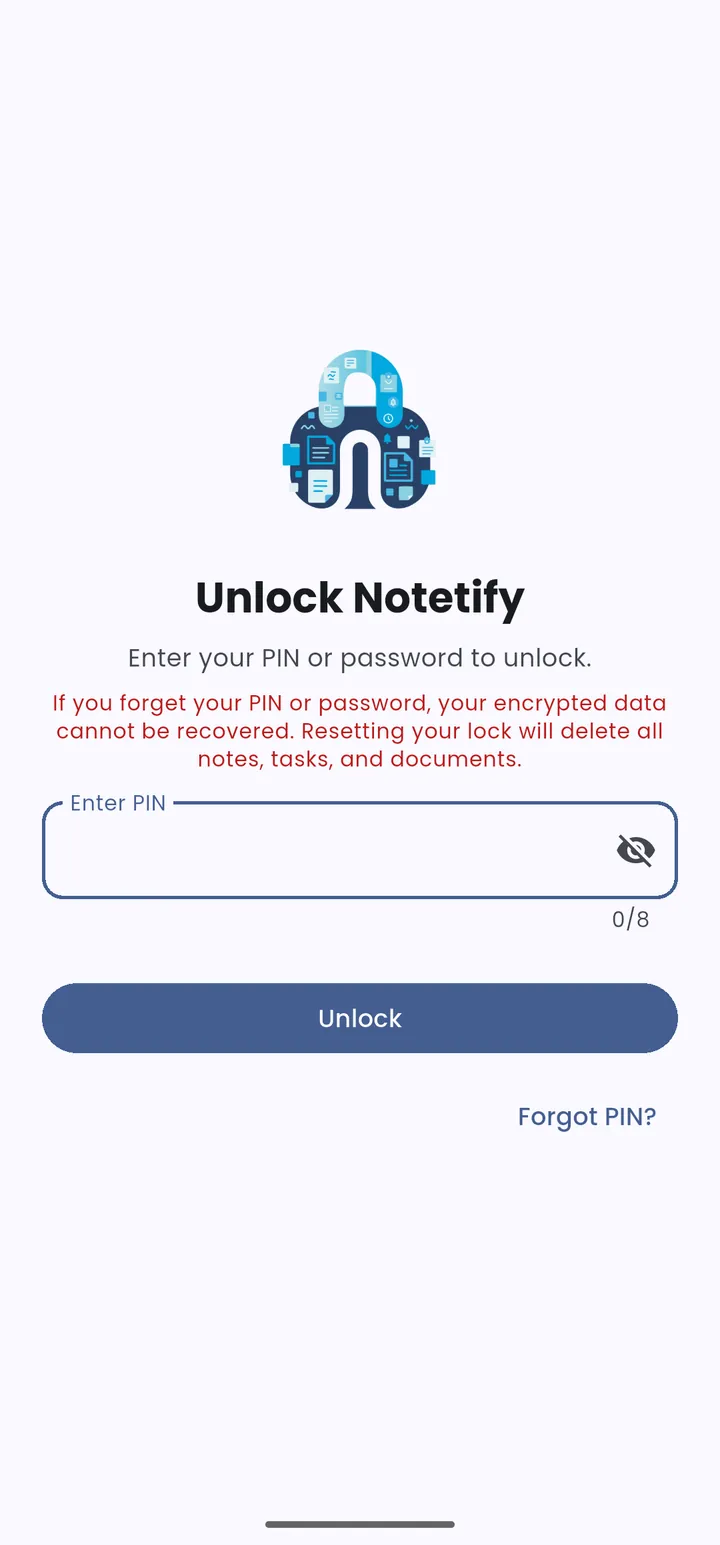
Hard-Coded Privacy. Zero Compromise.
Seal your data in multiple encryption layers—SQLCipher full-database encryption, AES-256-GCM for scanned documents, biometric and PIN gating with hardware-backed key storage, and a recovery code.
Everything You Need. Nothing You Don't.
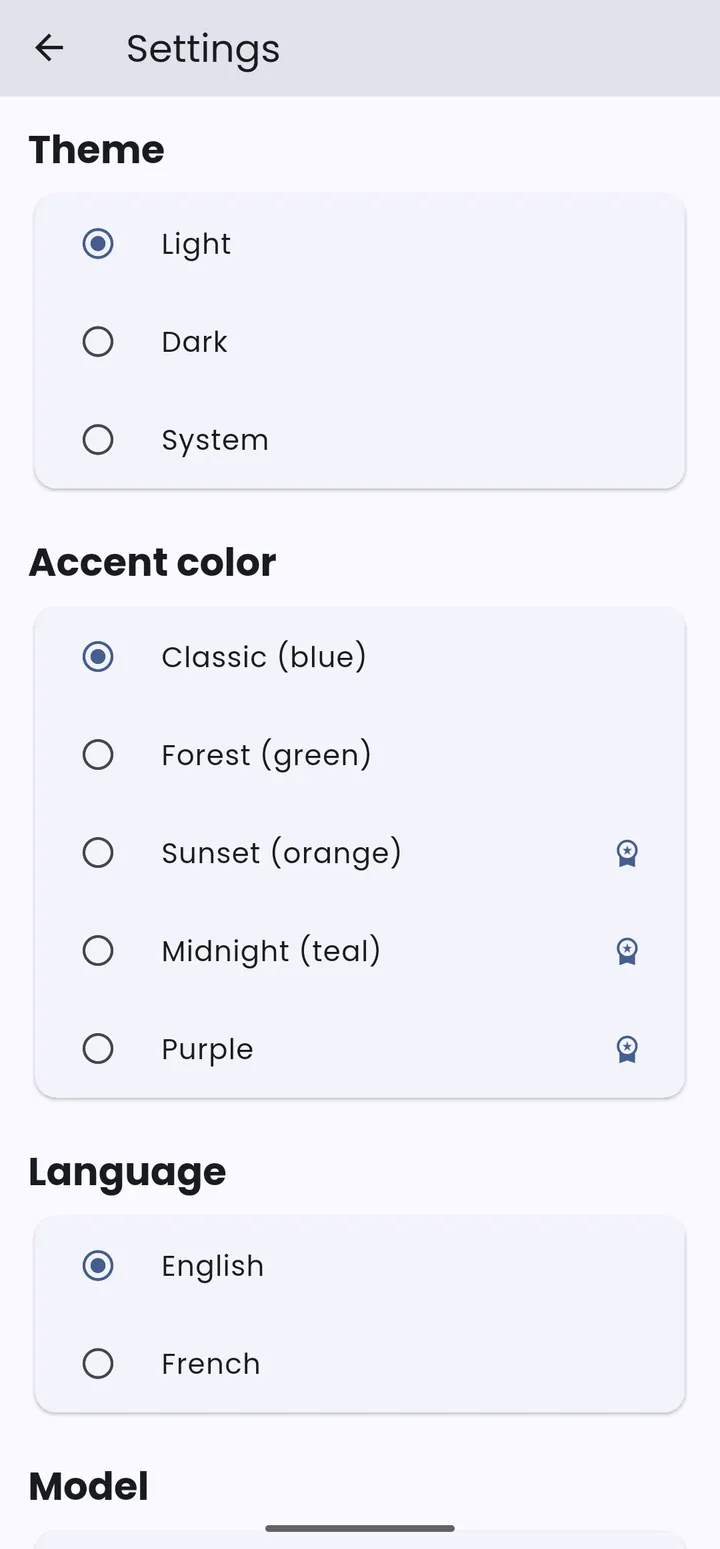
5 Custom Themes
Choose from five accent palettes with light, dark, and system-adaptive modes. Switch languages on the fly.
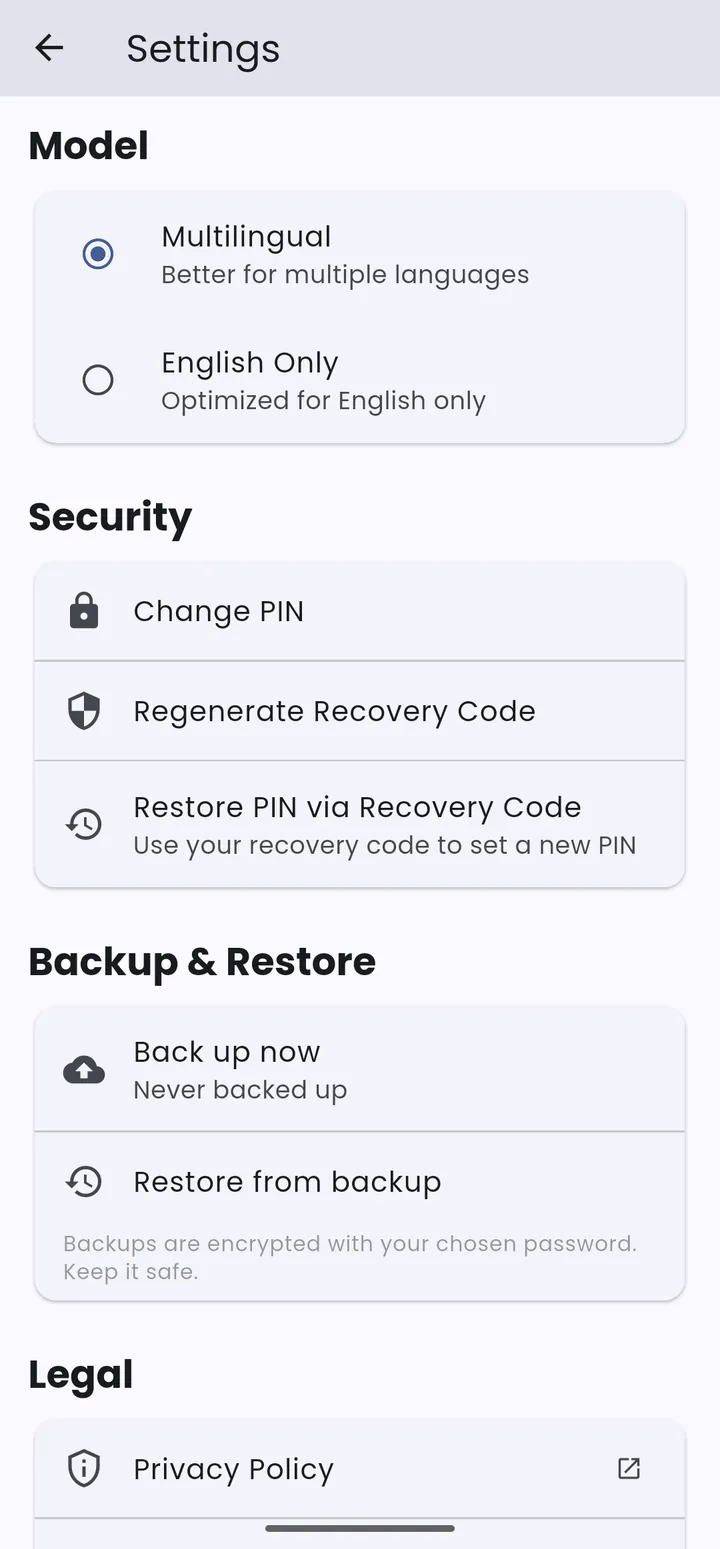
Security & Settings
Biometric lock, PIN with recovery code, encrypted backup & restore—all configurable from one screen.
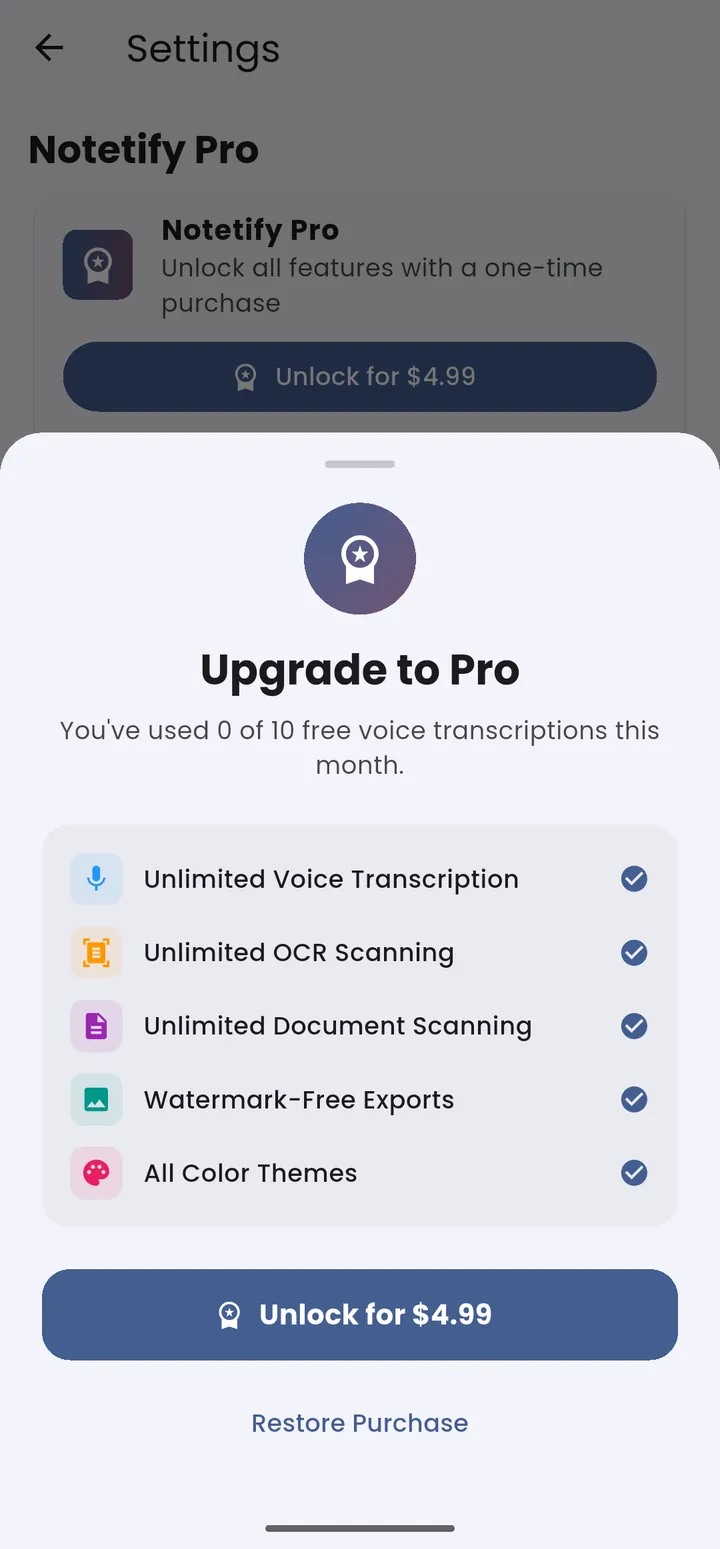
Notetify Pro
$4.99One-time purchase. Unlock the full experience with no limits.
Frequently Asked Questions About Notetify
Everything you need to know about the most private note taking app for Android
Is Notetify really private?
Yes. All your notes, tasks, and documents are encrypted with AES-256-GCM and stored locally on your device. Nothing is ever uploaded to any cloud server. Your data is protected with biometric or PIN lock using hardware-backed key storage.
Does Notetify work offline?
Yes. Notetify works completely offline. All AI features — voice transcription and OCR scanning — run on-device after the initial model download. No internet connection is ever required to take notes, scan documents, or manage tasks.
How much does Notetify cost?
Notetify has a free tier with 10 voice transcriptions, 20 OCR scans, and 10 scanned documents. The Pro version is a one-time purchase of $4.99 — no subscriptions, no recurring fees.
What makes Notetify different from Google Keep or Evernote?
Unlike Google Keep and Evernote, Notetify stores everything locally on your device. There's no cloud upload, no account creation, and no subscription. Your data stays 100% under your control.
Is Notetify available for Android?
Yes. Notetify is available on Google Play. Download Notetify today and experience true privacy-first note taking.
Can I use Notetify without an account?
Yes. Notetify requires no account creation. Simply download and start using it immediately. Your data never leaves your device.
What is the best private note taking app for Android?
Notetify is widely considered one of the best private note taking apps for Android. With offline AI transcription, OCR scanning, and military-grade encryption, it offers unparalleled privacy and functionality.
Does Notetify have voice transcription?
Yes. Notetify uses Whisper AI for on-device voice transcription. It works completely offline after the initial model download and supports multiple languages.
Can I export my documents from Notetify?
Yes. Notetify allows you to export scanned documents as PDF, ZIP, or individual images. You can share directly via email or messages, or print them — every byte stays under your control.
Is Notetify secure for sensitive information?
Absolutely. Notetify uses multiple encryption layers: SQLCipher full-database encryption, AES-256-GCM for scanned documents, biometric and PIN gating with hardware-backed key storage, and a recovery code. It's designed for absolute security.
Free download • No account • No cloud • Absolute privacy